
Blog

5 Keyboard Shortcuts for Selecting Cells and Ranges in Excel

5 Keyboard Shortcuts for Selecting Cells and Ranges in Excel

5 Keyboard Shortcuts for Selecting Cells and Ranges in Excel Selecting cells efficiently is one of the most important skills in Excel. Instead of dragging your mouse across large datasets, you can use powerful keyboard shortcuts to move and select cells instantly. Here we will let you know 5 Keyboard Shortcuts for Selecting Cells and […]

Loading

Continue Reading
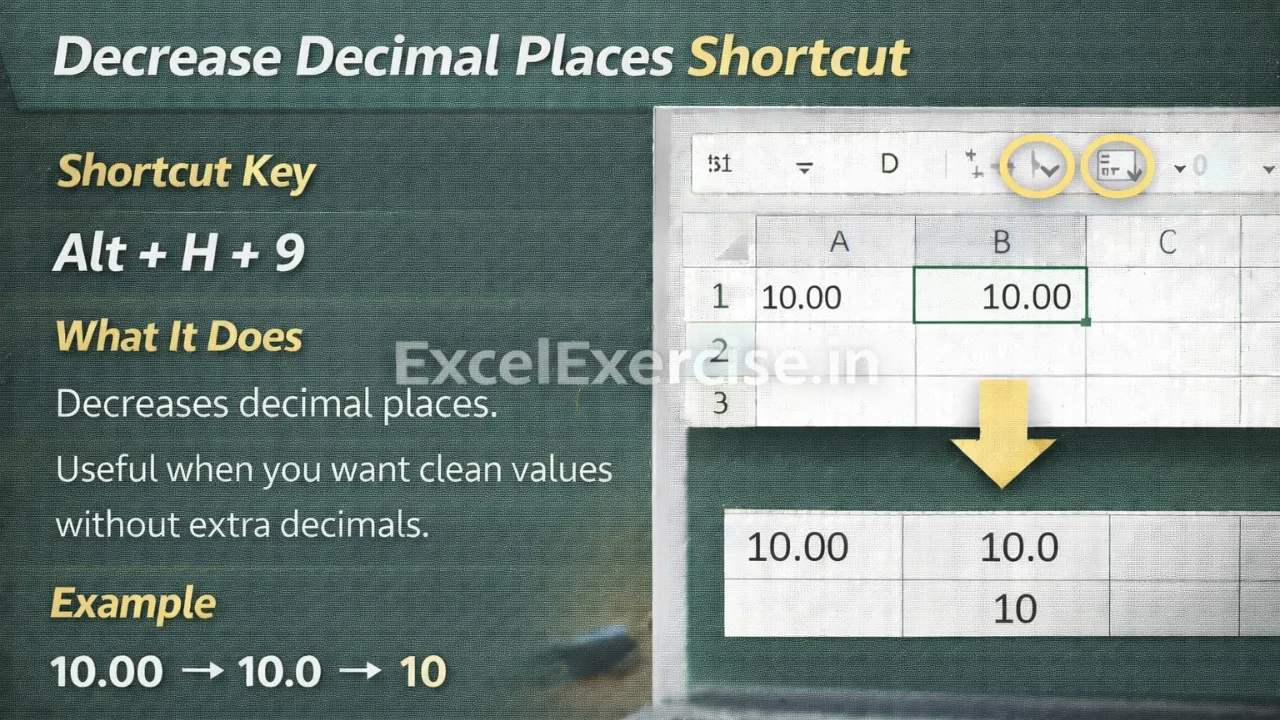
Decrease Decimal Places Shortcut

How to Decrease Decimal Places in Excel Using Shortcut Key

How to Decrease Decimal Places in Excel Using Shortcut Key The Decrease Decimal Places Shortcut in Excel helps you reduce the number of decimal places shown in a value. This shortcut is useful when you want clean, easy-to-read numbers without unnecessary decimals, especially in reports and final data presentations. Decrease Decimal Places Shortcut in Excel […]

Loading

Continue Reading
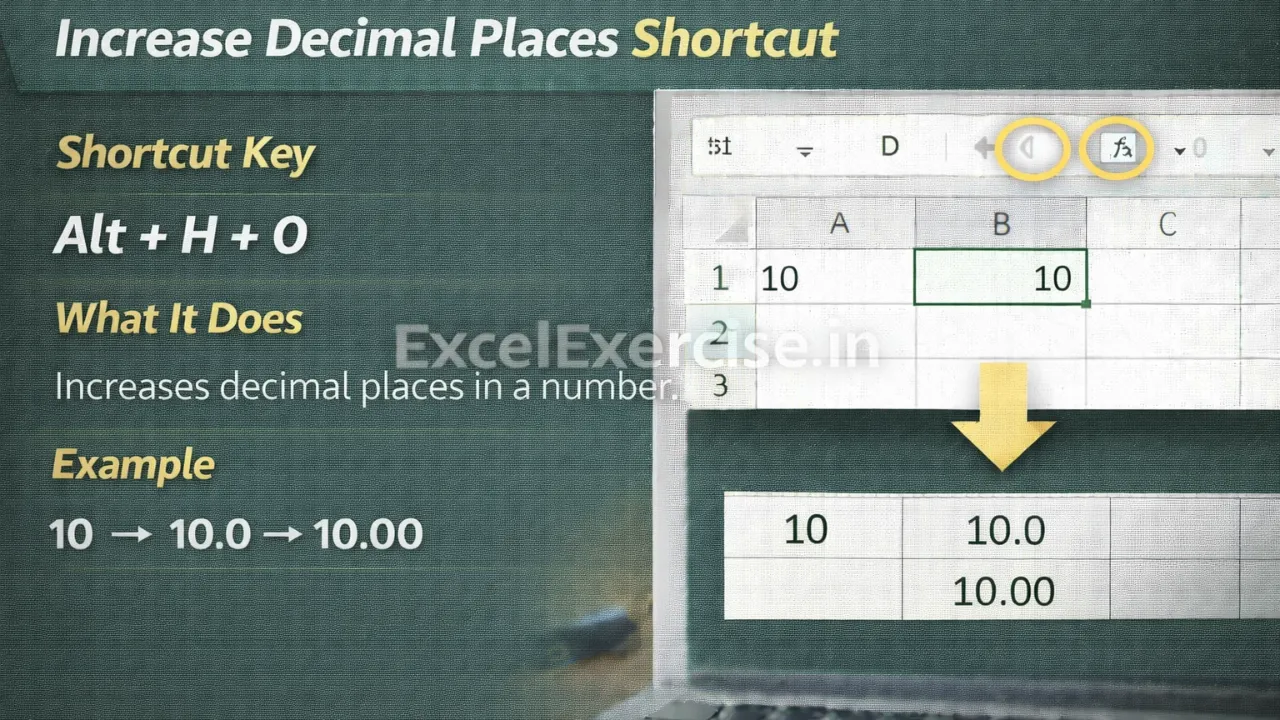
what is shortcut to Increase Decimal Places in Excel

This Excel Decimal Shortcut Makes Numbers More Accurate

This Excel Decimal Shortcut Makes Numbers More Accurate The Increase Decimal Places Shortcut in Excel helps you display more decimal values in a number without changing the original value. This shortcut is useful when you need higher precision for calculations, reports, or data analysis. In this article we will let you know about Shortcut Key […]

Loading

Continue Reading
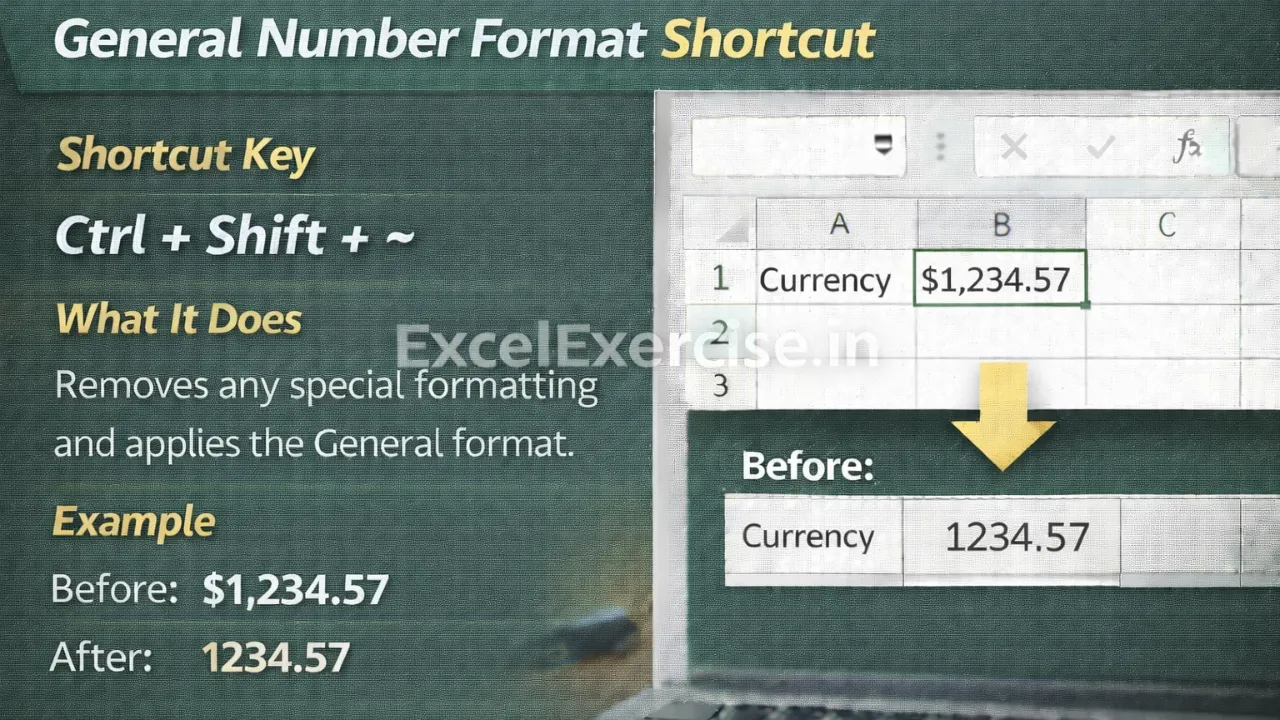
General Number Format Shortcut in Excel

Messed Up Number Formatting? This Excel Shortcut Fixes It

Messed Up Number Formatting? This Excel Shortcut Fixes It The General Number Format Shortcut helps you quickly remove unwanted formatting and reset numbers to their default General format. This shortcut is especially useful when numbers look incorrect, calculations behave unexpectedly, or formatting becomes confusing. In this article we will describe you about Shortcut Key for […]

Loading

Continue Reading
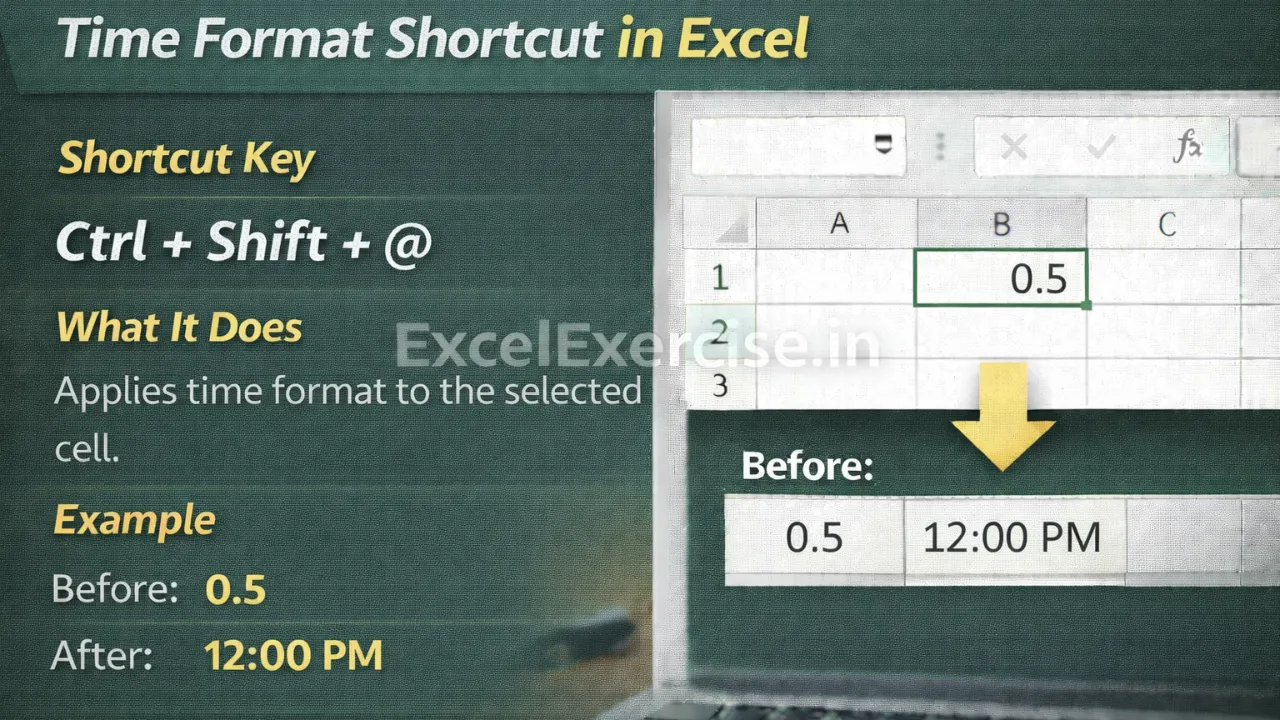
Time Format Shortcut in Excel

Most Excel Users Don’t Know This Time Format Shortcut

Most Excel Users Don’t Know This Time Format Shortcut The Time Format Shortcut in Excel allows you to instantly convert numeric values into time format using a simple keyboard shortcut. This shortcut is very helpful when working with attendance sheets, shift timings, and time-tracking data where values appear as numbers instead of proper time. In […]

Loading

Continue Reading
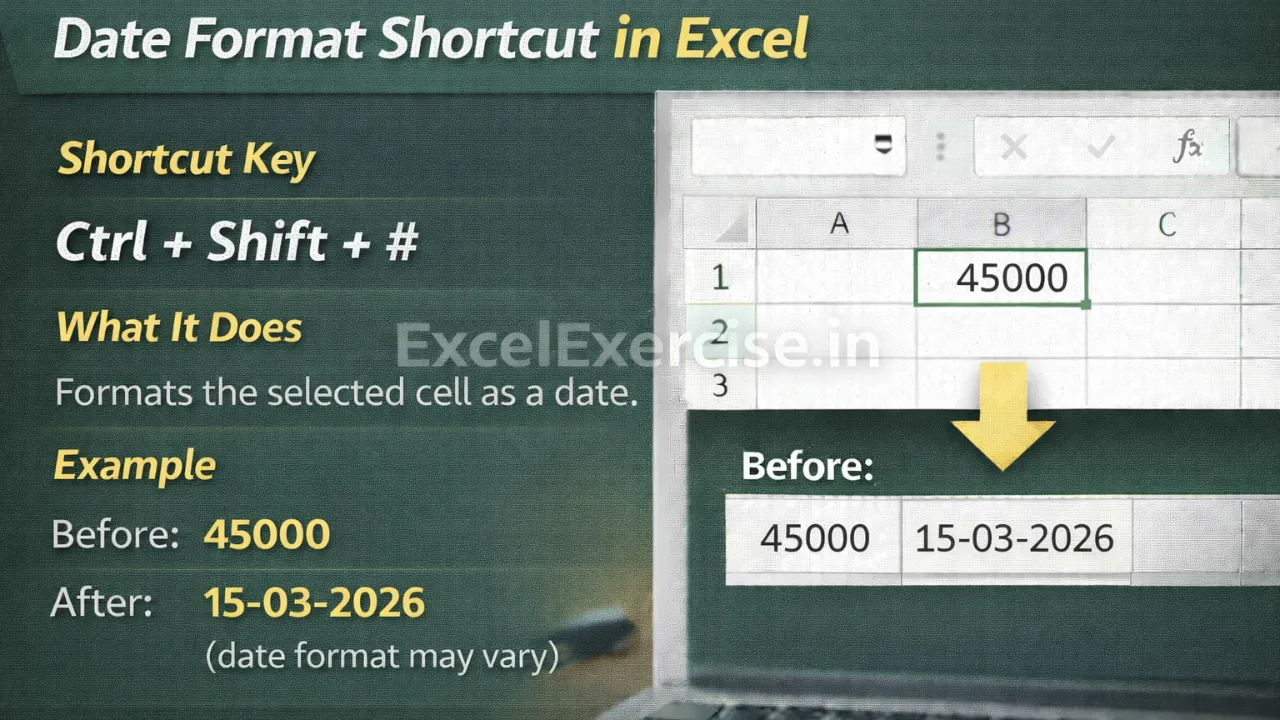
Date Format Shortcut in Excel

Still Changing Date Format Manually In Excel? Use This Shortcut

Still Changing Date Format Manually in Excel? Use This Shortcut The Date Format Formula in Excel helps you instantly convert numeric values into a readable date format. This shortcut is extremely useful when working with raw or imported data where dates appear as numbers instead of proper dates. In this article we will guide you […]

Loading

Continue Reading
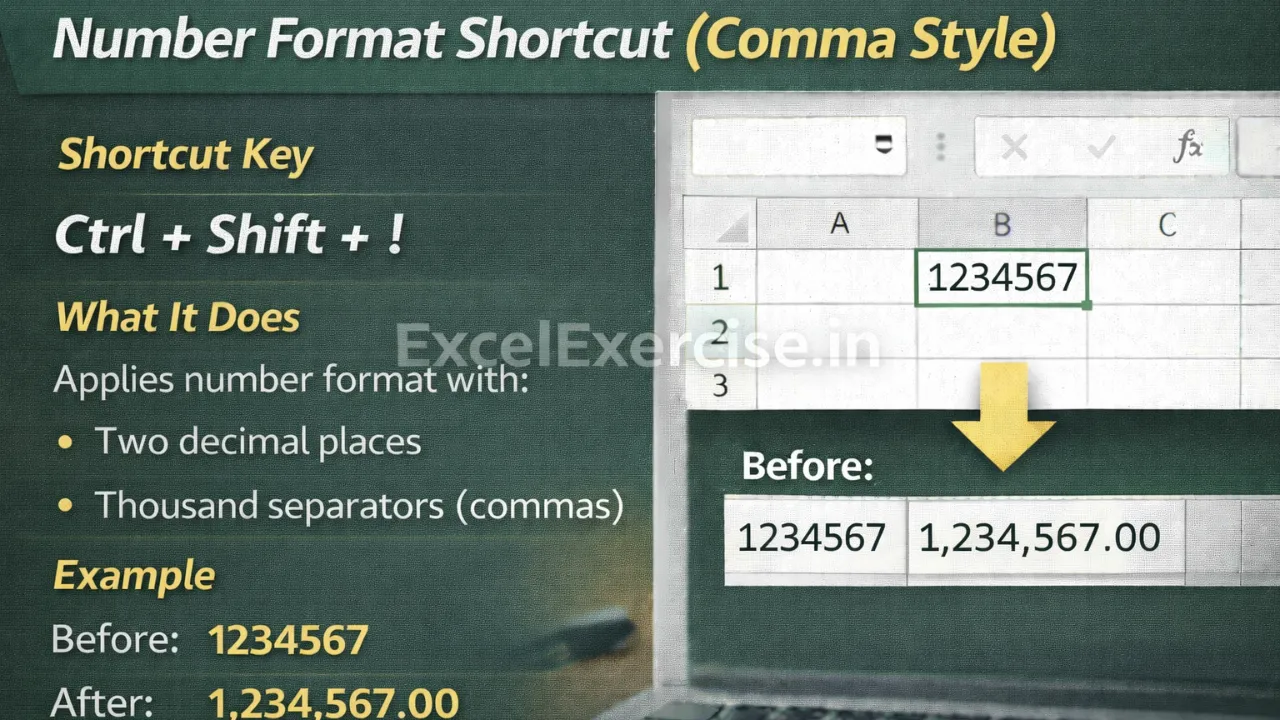
excel comma style number format shortcut ctrl shift exclamation

This Excel Comma Style Shortcut Makes Large Numbers Easy to Read

This Excel Comma Style Shortcut Makes Large Numbers Easy to Read The Excel Comma Style Shortcut allows you to quickly format large numbers by adding thousand separators and two decimal places. This shortcut improves readability and is ideal for reports, dashboards, and large numeric datasets where clarity matters. In this article we will teach about […]

Loading

Continue Reading
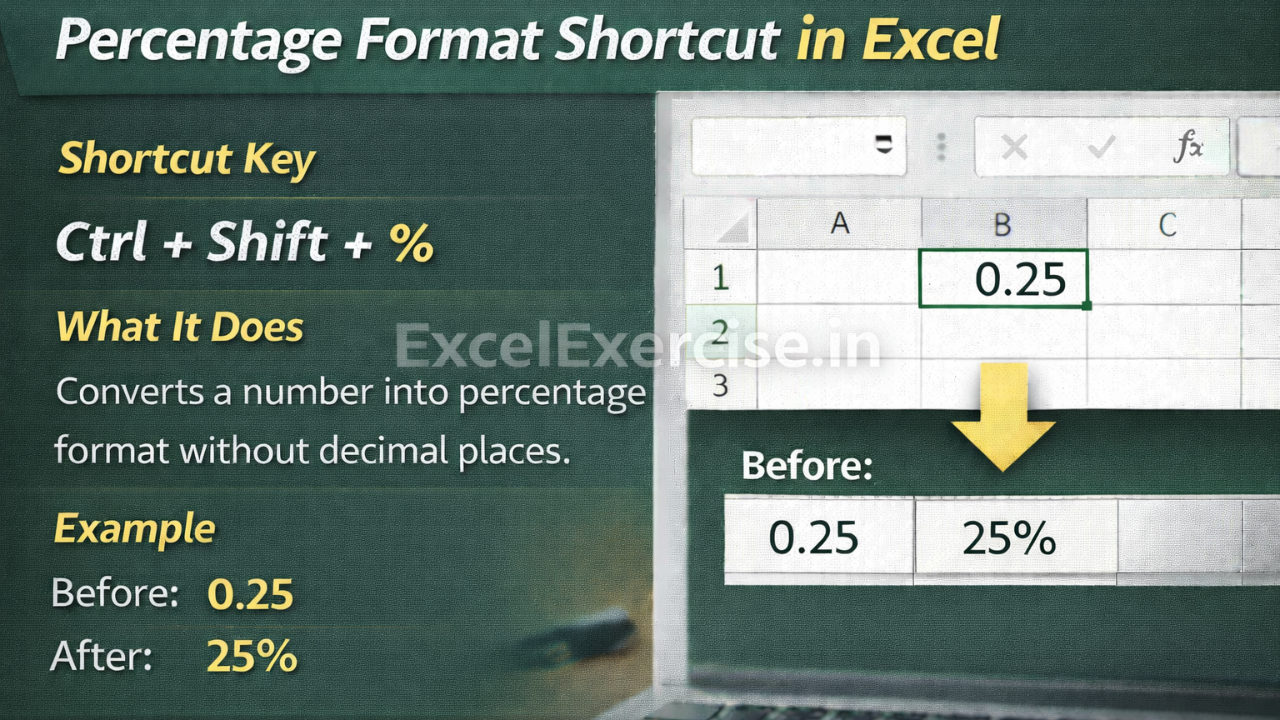
excel percentage format shortcut ctrl shift percent

Percentage Format Shortcut in Excel You Must Know

Percentage Format Shortcut in Excel You Must Know The Percentage Format Shortcut in Excel allows you to instantly convert numbers into percentage format using a simple keyboard shortcut. This method saves time, avoids manual formatting, and is especially useful when working with results, growth rates, marks, and performance-related data. In this article we will describe […]

Loading

Continue Reading
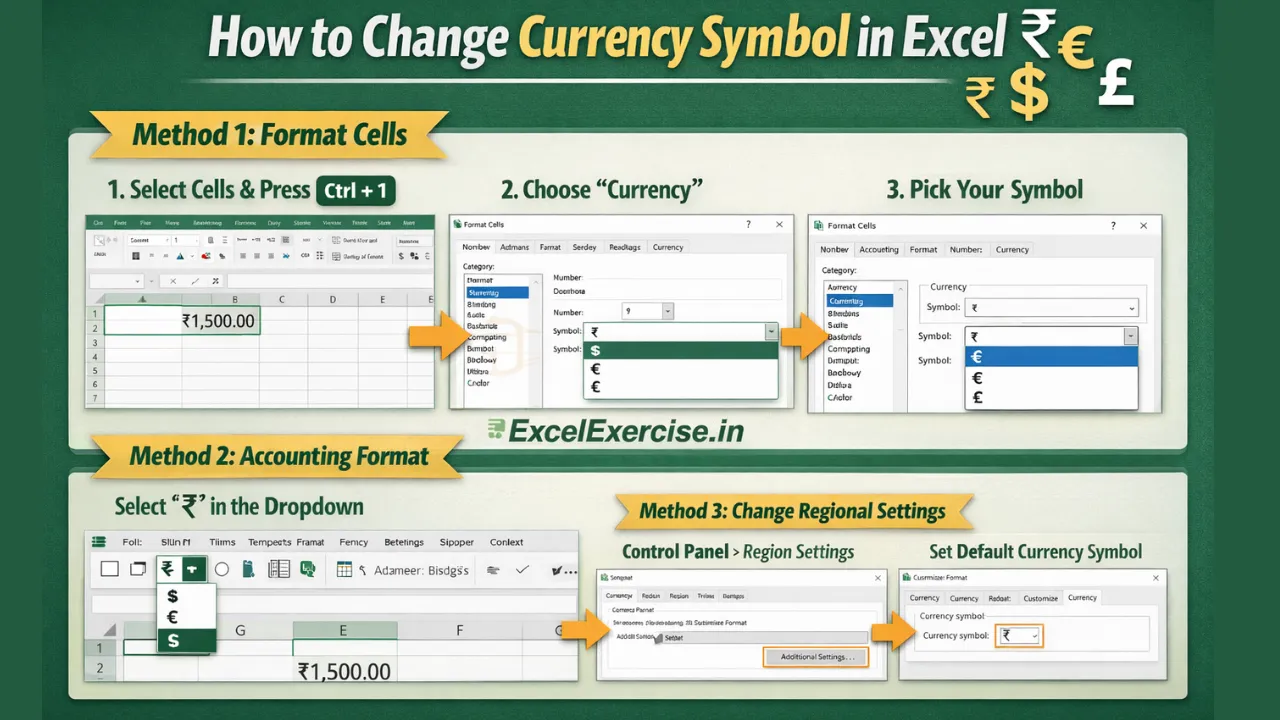
How to change currency symbol in Excel

How to Change Currency Symbol in Excel Step by Step

How to Change Currency Symbol in Excel (Step-by-Step Beginner Guide) When working with money in Excel, you may notice that the currency symbol doesn’t match your requirement. For example, Excel might show $ when you need ₹, €, or £. Don’t worry—Excel makes it very easy to change the currency symbol. Here we will guide […]

Loading

Continue Reading
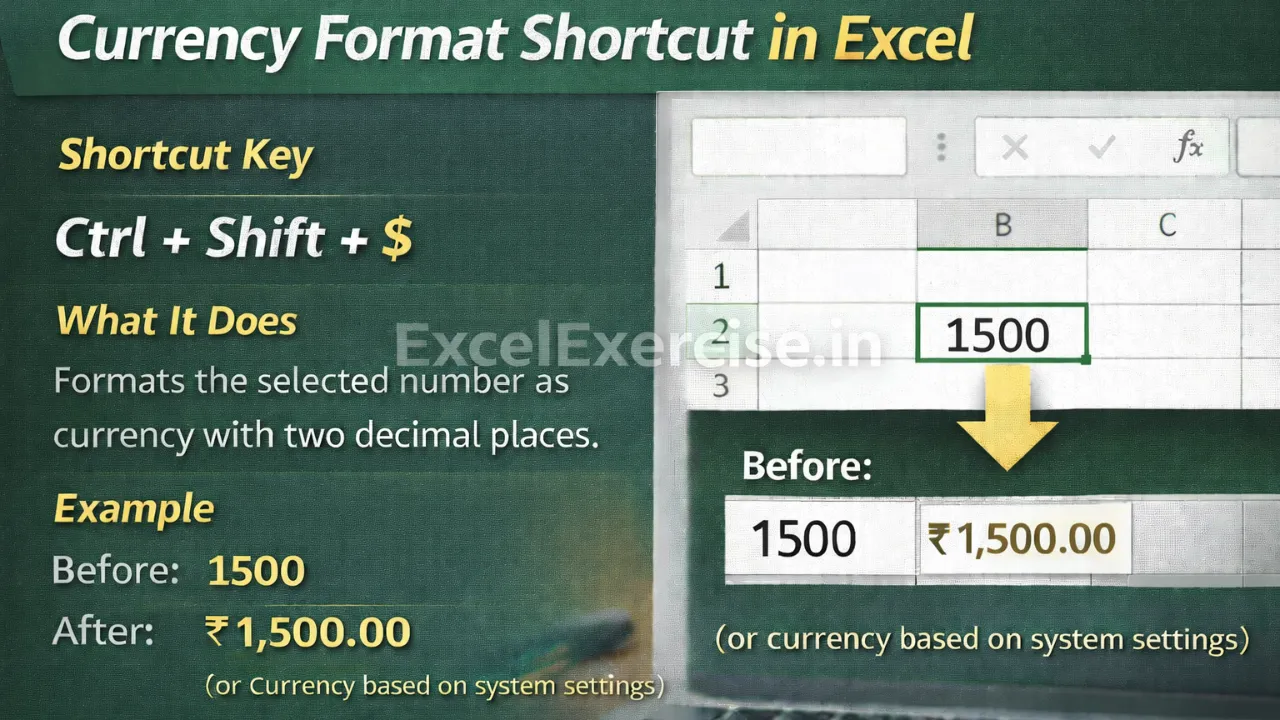
Excel Currency Format Shortcut Every Beginner Must Know

Excel Currency Format Shortcut Every Beginner Must Know

Excel Currency Format Shortcut Every Beginner Must Know If you’re just starting with Microsoft Excel, learning a few keyboard shortcuts can instantly make you faster and more professional. One of the most useful and beginner-friendly shortcuts is the Excel Currency Format shortcut. It’s simple, powerful, and used almost everywhere financial data is involved. Here we […]

Loading

Continue Reading