How to Decrease Decimal Places in Excel Using Shortcut Key
The Decrease Decimal Places Shortcut in Excel helps you reduce the number of decimal places shown in a value. This shortcut is useful when you want clean, easy-to-read numbers without unnecessary decimals, especially in reports and final data presentations.
Decrease Decimal Places Shortcut in Excel
When working with calculations in Excel, numbers often display too many decimal places. While these decimals may be useful during analysis, they can make reports look cluttered and confusing.
Excel provides a simple shortcut to reduce decimal places instantly without changing the actual value.
Shortcut Key for Decrease Decimal Places
Shortcut Key
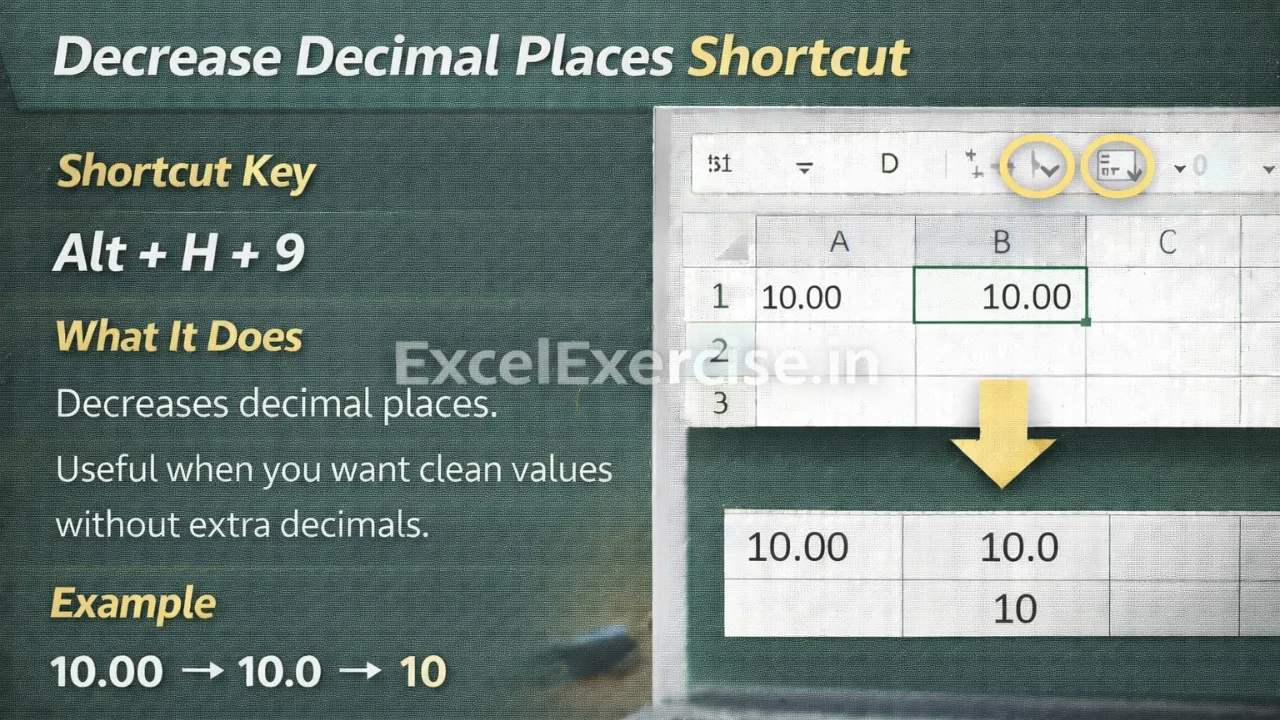
Alt + H + 9
What This Shortcut Does
This shortcut decreases the number of decimal places displayed in the selected cell. Each time you press the shortcut, Excel removes one decimal place from the displayed value.
The underlying number and calculations remain unchanged.
Example: Before and After Using Decrease Decimal Shortcut
Before Applying Shortcut
12.3456
After Applying Shortcut
12.35
12.3
Each press of the shortcut removes one decimal place.
When This Shortcut Is Most Useful
This shortcut is especially helpful when you want:
Clean and rounded values in reports
Simple numbers for dashboards
Readable totals and summaries
Professional-looking financial data
Final presentation-ready sheets
Important Thing to Remember
This shortcut only affects how the number is displayed, not the actual stored value. If you need exact values again, you can increase decimal places using the Increase Decimal shortcut.
Why You Should Use Shortcut to Decrease Decimal Places in Excel
Using this shortcut saves time and improves readability. It allows you to quickly clean up numbers and present data in a clear and professional format without manual formatting.
The Shortcut to Decrease Decimal Places in Excel is a must-know tool for creating clean and readable spreadsheets. By pressing Alt + H + 9, you can quickly remove extra decimals and make your Excel data easier to understand.
Important links: